
Looking for a clean and professional marriage biodata template? MarriageBiodata.in offers a large collection of free and editable biodata templates for marriage that you can easily download and customize in Microsoft Word. These templates help you present your personal, educational, and family details in a clear and well-structured format.
Browse our collection of 200+ free marriage biodata templates available in different styles, including simple, modern, and professional designs suitable for different preferences. Each template is carefully designed with a clean layout and easy-to-edit structure, allowing you to quickly create a professional biodata for marriage without struggling with formatting.
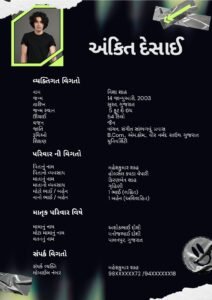
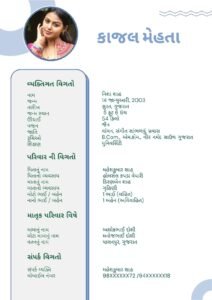
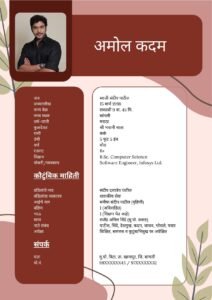
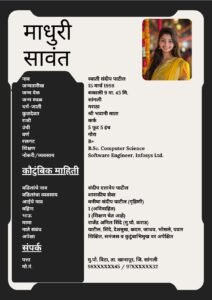
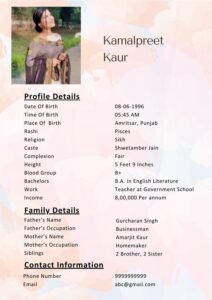
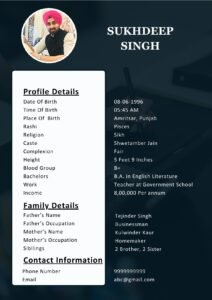
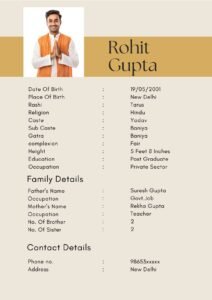
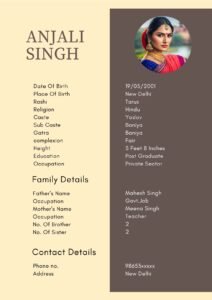
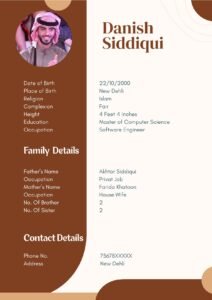
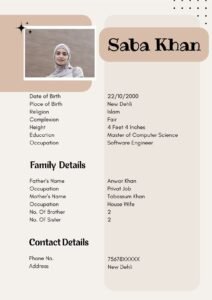
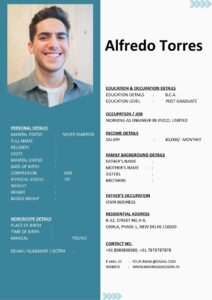
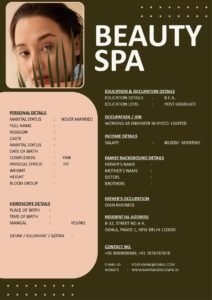
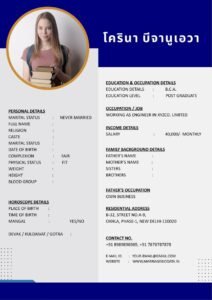
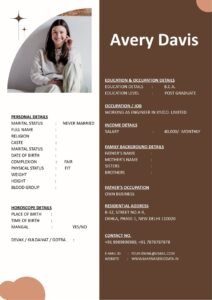
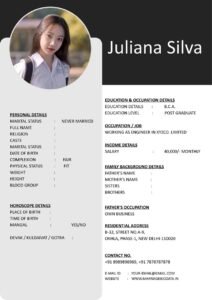
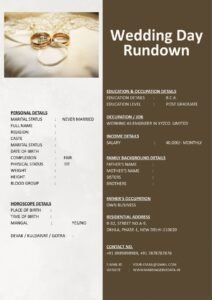
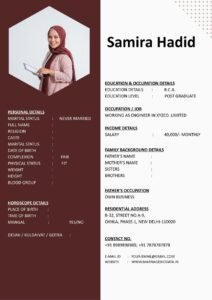
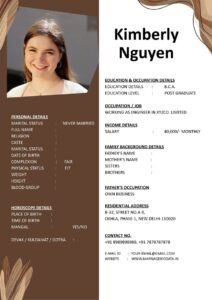
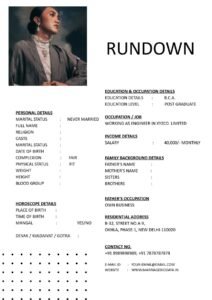
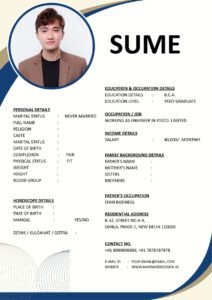
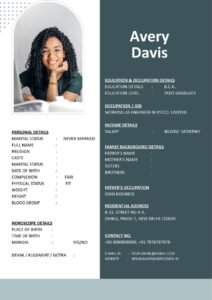
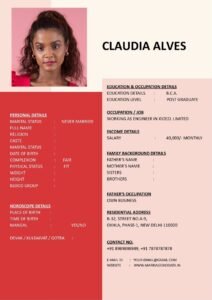
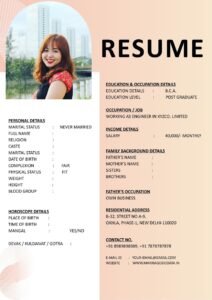
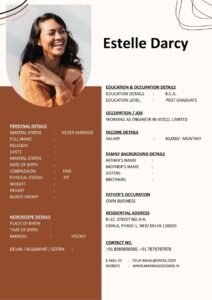
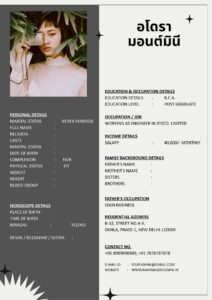
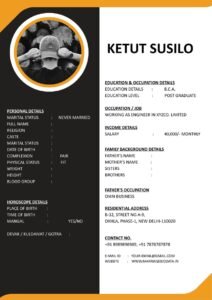
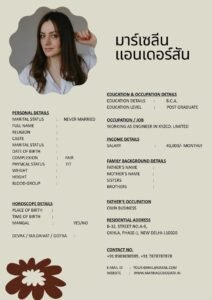
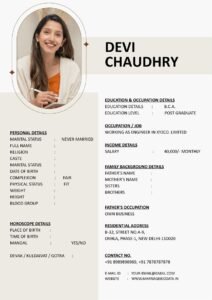
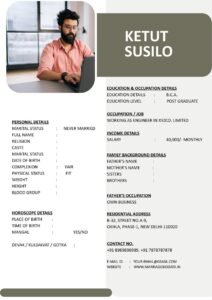
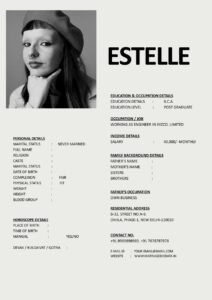
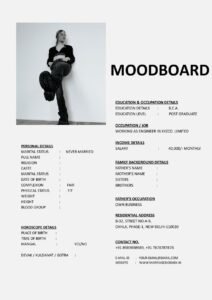
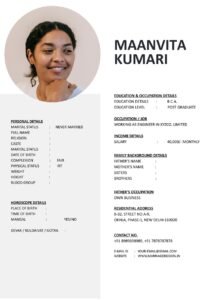
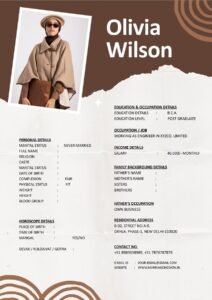
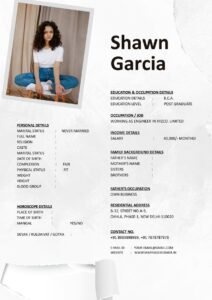
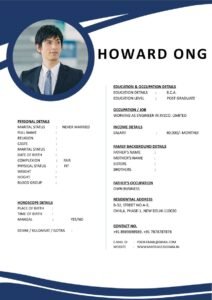
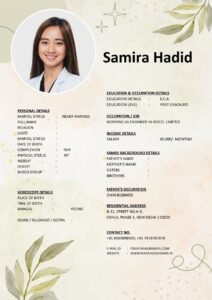
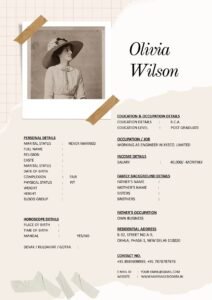
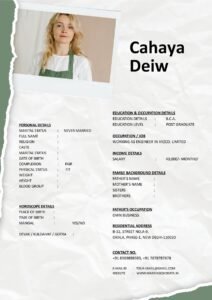
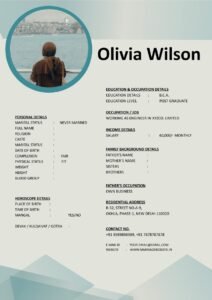
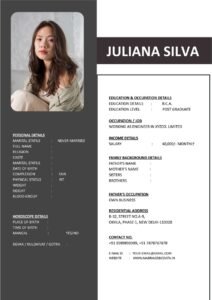
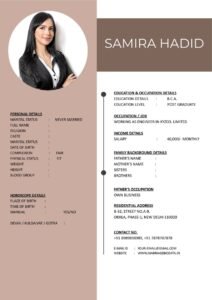
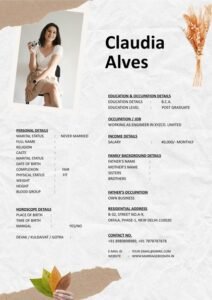
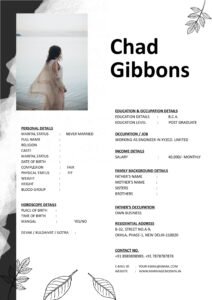
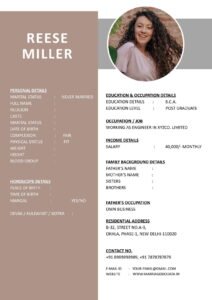
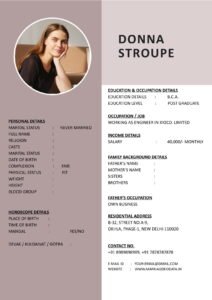
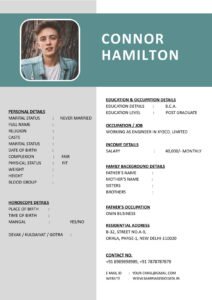
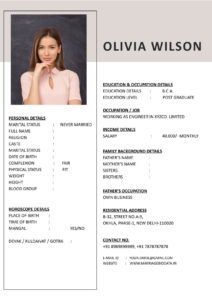
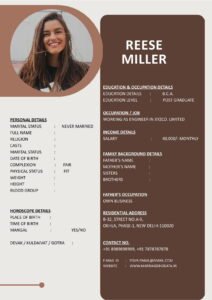
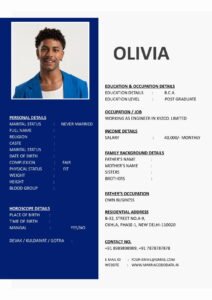
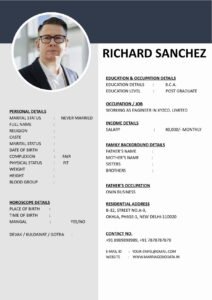
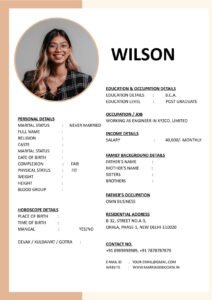
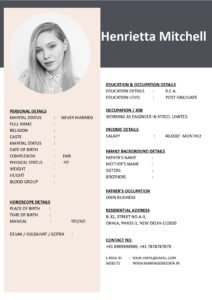
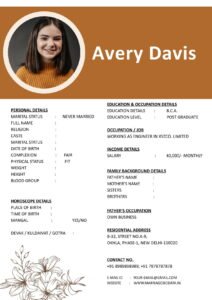
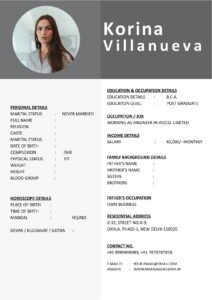
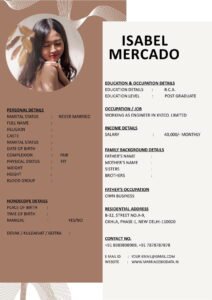
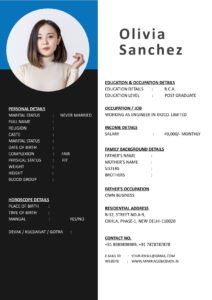
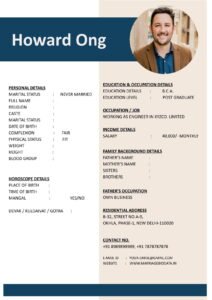
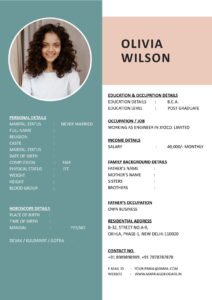
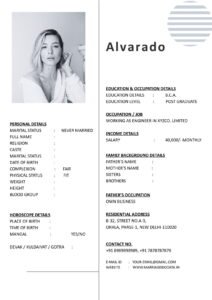
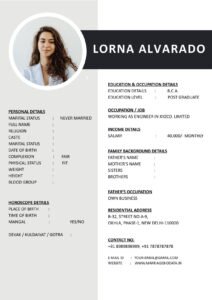
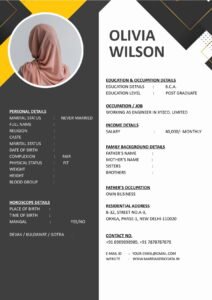
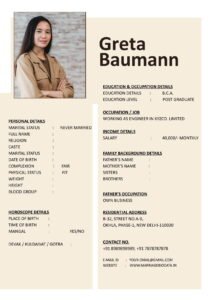
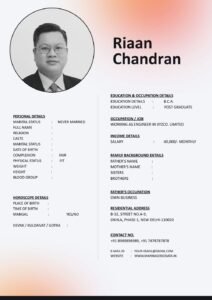
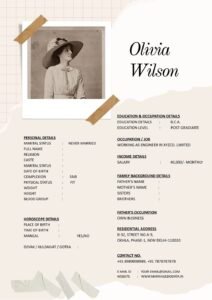
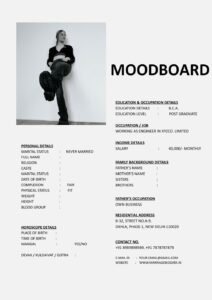
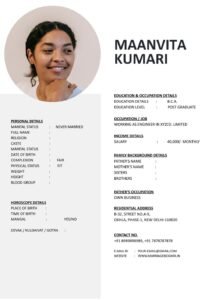
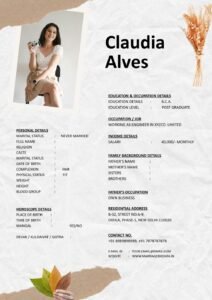
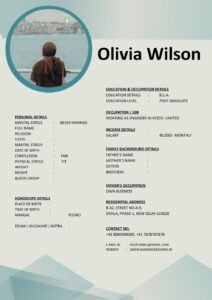
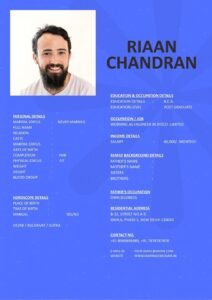
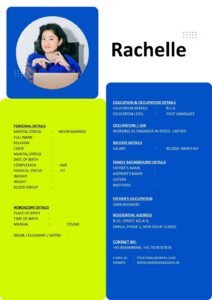
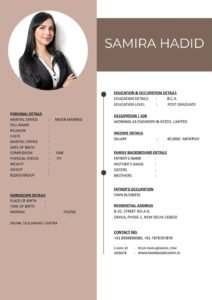
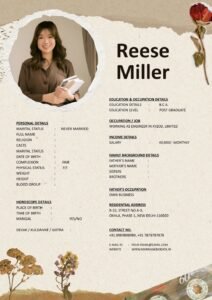
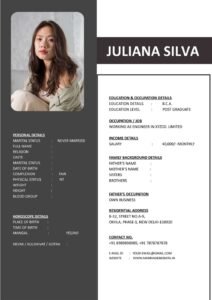
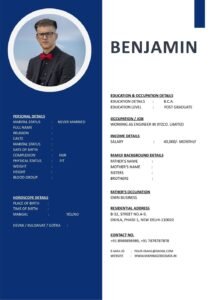
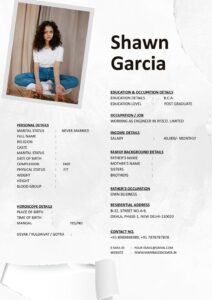
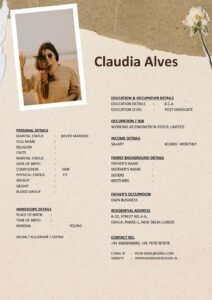
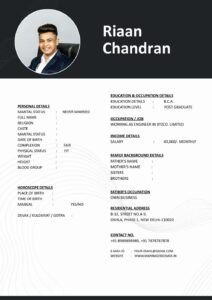
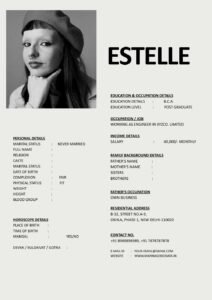
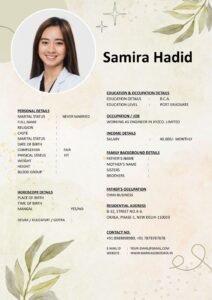
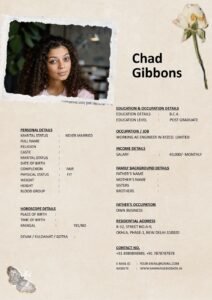
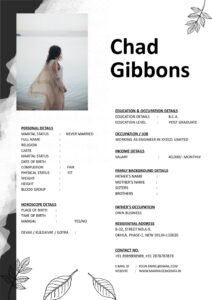
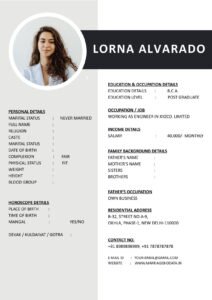
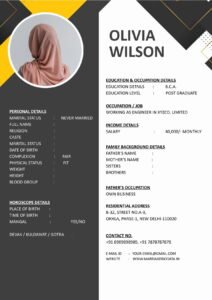
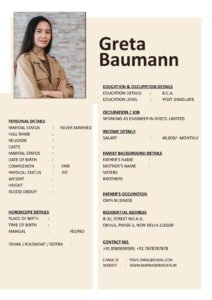
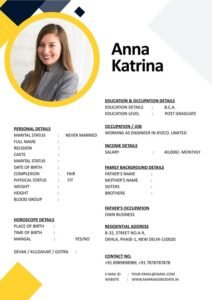
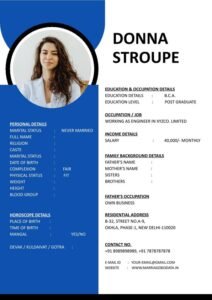
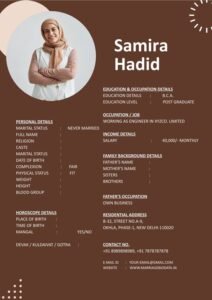
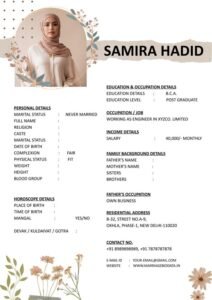
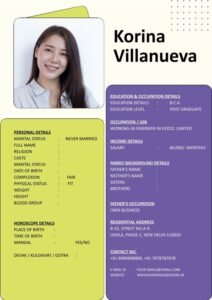
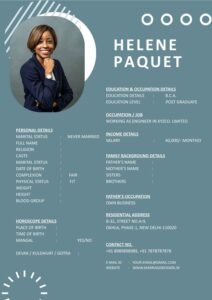
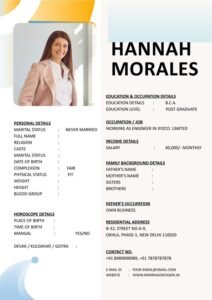
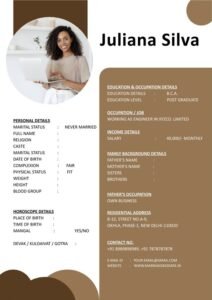
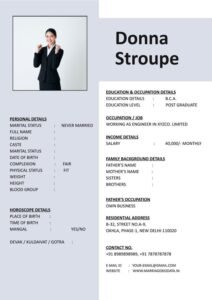
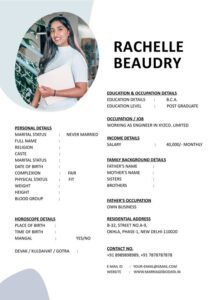
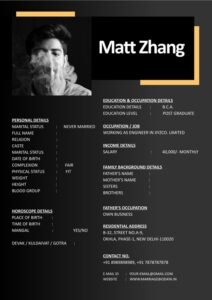
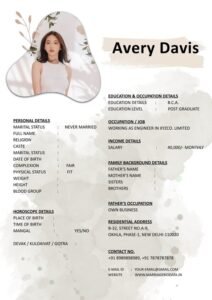
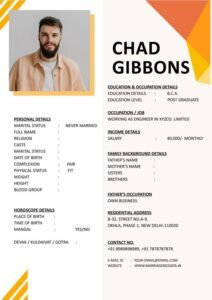
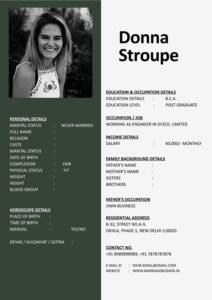
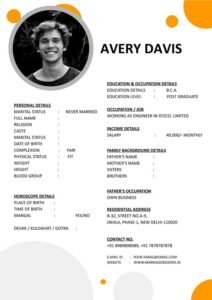
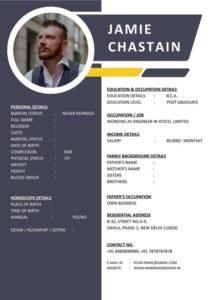
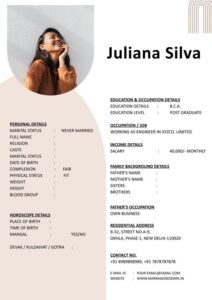
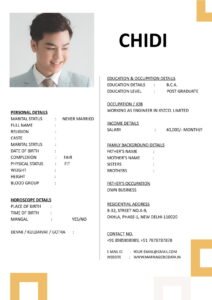
Create Your Marriage Biodata in Minutes with Editable Templates
Our online Marriage Biodata Maker allows you to quickly generate a printable biodata without struggling with complex formatting in Microsoft Word. Simply enter your details such as name, age, education, occupation, family information, and contact details, and the tool will automatically create a structured biodata layout.
The generated biodata follows a neat A4 printable format, making it suitable for sharing with families, marriage bureaus, or online matrimonial platforms.
Download Free Marriage Biodata Templates
In addition to the biodata generator tool, we also provide a large collection of free marriage biodata templates that you can download and edit according to your needs.
These templates are available in Microsoft Word format, which means you can easily modify them on both desktop and mobile devices. Whether you prefer a simple biodata layout or a modern styled format, you can choose the template that best represents your profile.
Features of Our Biodata Templates
- Clean and professional biodata layouts
- Editable Microsoft Word (.docx) format
- Simple and modern design styles
- Ready-to-print A4 size format
- Easy to edit on mobile or computer
- No login or registration required
Why Use a Proper Marriage Biodata?
A properly written biodata for marriage helps present your information clearly and makes a good first impression. Families often review biodata documents before taking the next step in matrimonial discussions, so having a structured and readable format is very important.
A good biodata usually includes details such as:
- Personal information
- Education and profession
- Family background
- Contact details
- Short introduction or “About Me” section
Simple and User-Friendly Platform
MarriageBiodata.in is designed to be simple and accessible for everyone. Many people find it difficult to format a biodata properly in Word, especially when using a mobile phone. Our platform solves this problem by offering easy tools and ready-made templates that require minimal editing.
You can browse through different biodata designs, preview them, and download the template that fits your requirement. Within a few minutes, you can have a professional-looking biodata ready to share.
100% Free Biodata Tool
All tools and templates available on MarriageBiodata.in are completely free to use. We believe that creating a biodata should be simple and accessible to everyone without complicated software or paid design services.
Whether you want to create a biodata quickly using our online tool or download an editable template for customization, our platform provides everything you need in one place.
MarriageBiodata.in – Simple. Free. Printable.








Frequently Asked Questions
What should be included in a marriage biodata?
A marriage biodata typically includes personal details, education, profession, family background, contact details, and a short introduction.
Which format is best for marriage biodata?
Microsoft Word format (.docx) is the most popular format because it can be easily edited and printed.
Are these marriage biodata templates free?
Yes, all templates available on MarriageBiodata.in are free to download and edit.